As a user of the RISE, you're trusting us with your information. We understand this responsibility and work hard to protect your information and put you in control
you want to delete the account here following are the steps to step to account deletion
login in to the app
click to the profile image and go to the profile tab
In profile tab top of the page there is the setting icon click on it
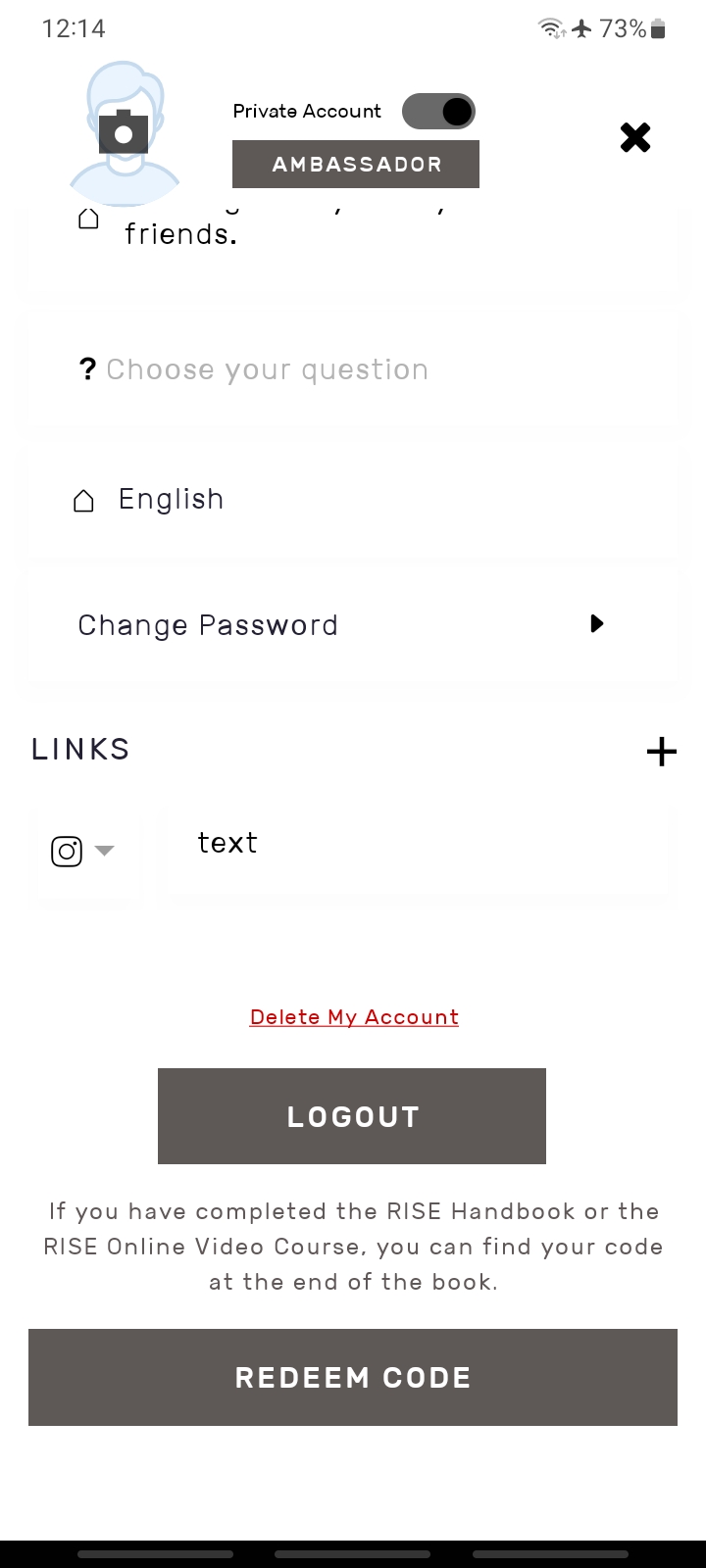
open a setting page and scroll at the bottom of the page there is the option Delete My Account click on it
on click Delete my Account there is one modal open for verify the otp and otp will be send to your email id once you verify the otp your account will be deleted